
Dashboard Overview
A Dashboard is an object created within an application, built from its own set of custom widgets, and used as a screen's content type. It combines widgets, such as cards, workviews, and dimension selectors, into a single view.
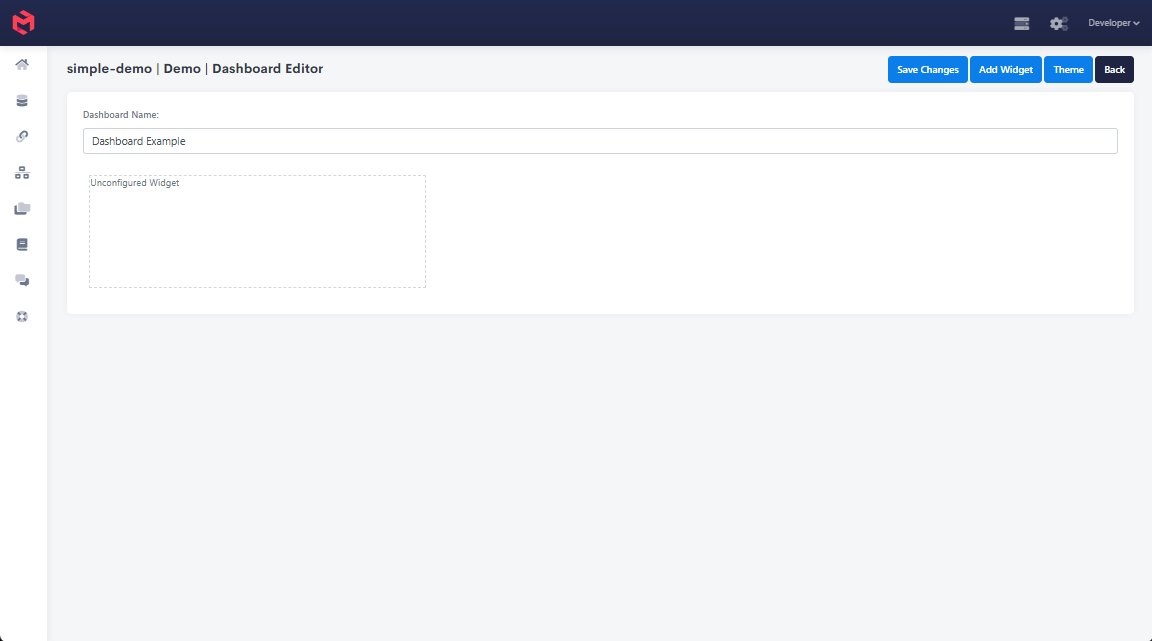
Widgets
Widgets are added to a Dashboard via the widget picker in the dashboard editor.
| Widget | Description |
|---|---|
| Card | Displays a Card built in the model, sourcing data from one or more cubes. |
| Workview | Displays a Workview, giving a direct view into a cube. |
| Discovery | A natural language widget for querying content from a cube. |
| Workview Visualisation | Generates visuals (charts) based on a workview. Deprecated in favour of cards. |
| Selectable | Creates a dimension selectable that can update the dashboard's dimension or variable context. This context then influences all other widgets on the dashboard. When it updates dimension context, the selection is cached in the browser's local storage and persists on return visits; configured to update a variable instead, it doesn't persist. There's no toggle for this on a Dashboard selectable, unlike the Card Selectable's Persist property. |
| Page | A custom page built with JavaScript. |
| Processes | Adds a button that runs a process, e.g. a click-of-button load, on a dashboard used for managing integrations and loads. |
| Title | Adds a title to the dashboard. |
| Refresh | Adds a button that refreshes the dashboard's cards and workviews. |