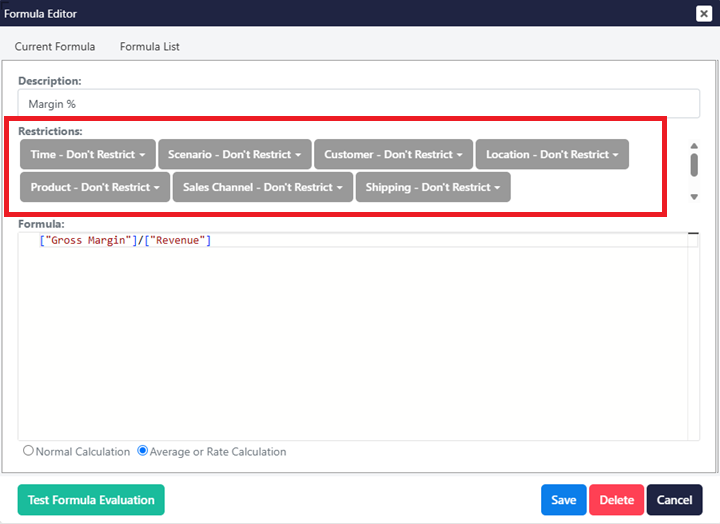
How to Restrict a Formula
Restricting a formula is an important way to reduce model cell count and lower server memory usage.
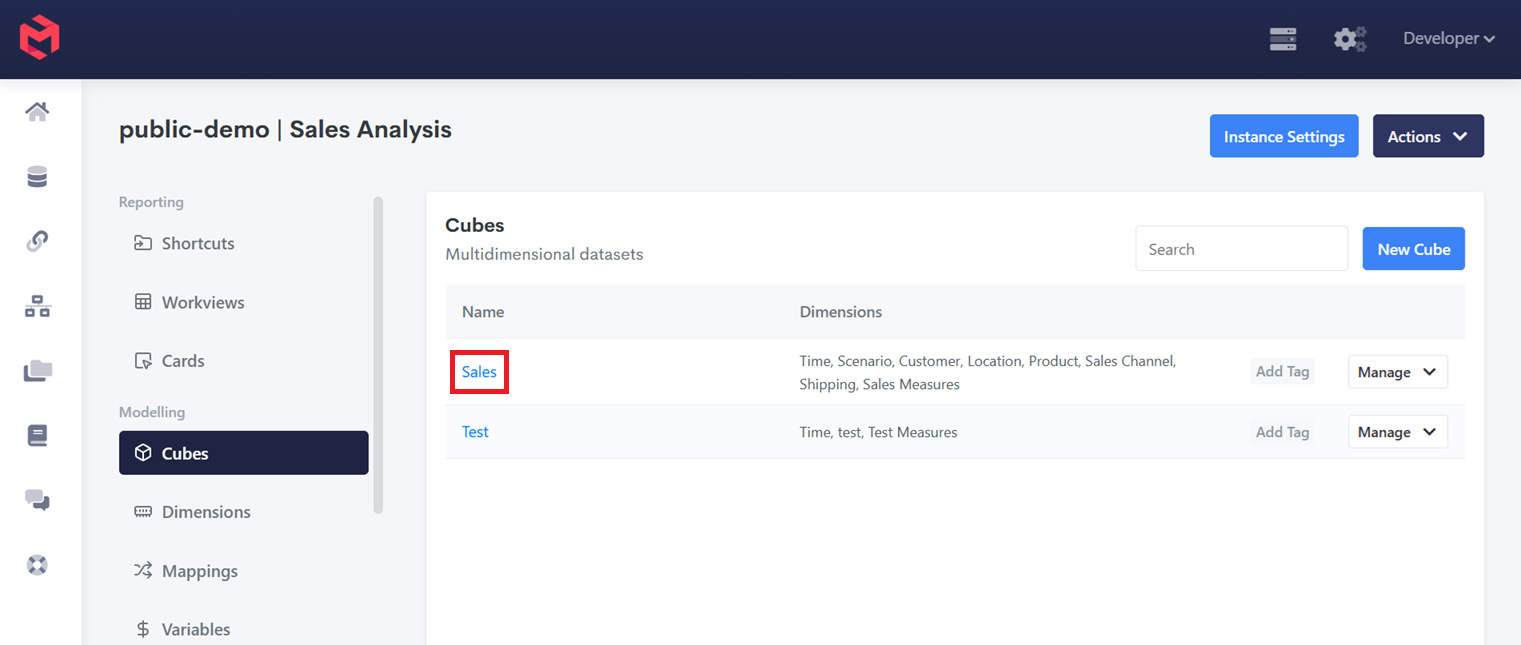
Open the cube by clicking on the cube name.
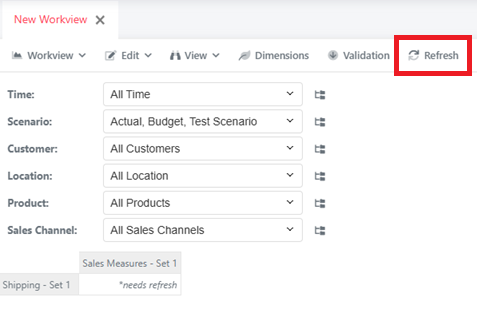
Refresh the workview.
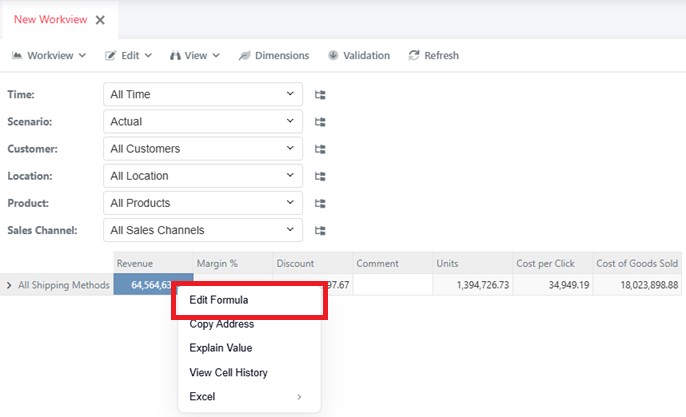
Right click on a cell, and click "Edit Formula"
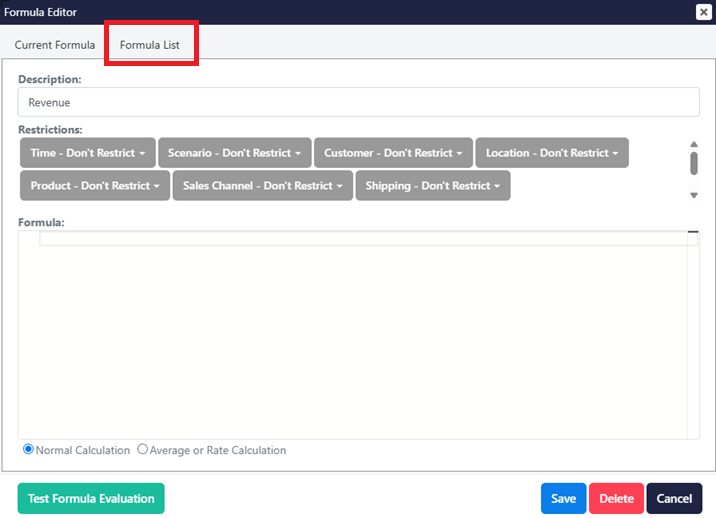
Click on Formula List
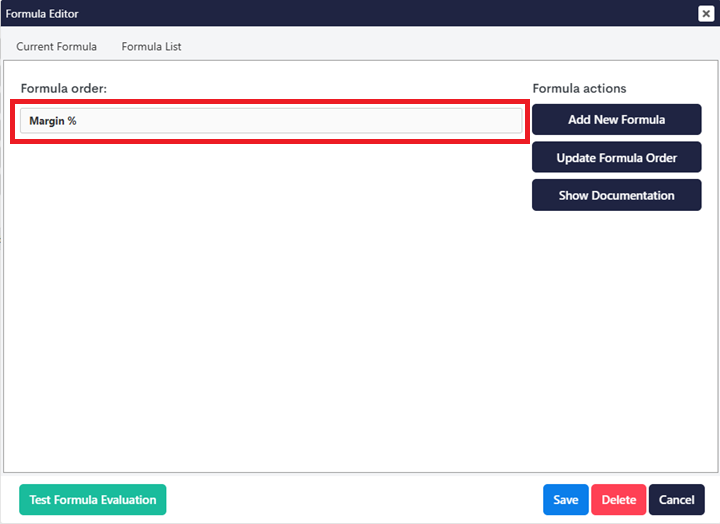
Find the formula you would like to update in the Formula List
Update the formula restrictions