
How to Restart a server
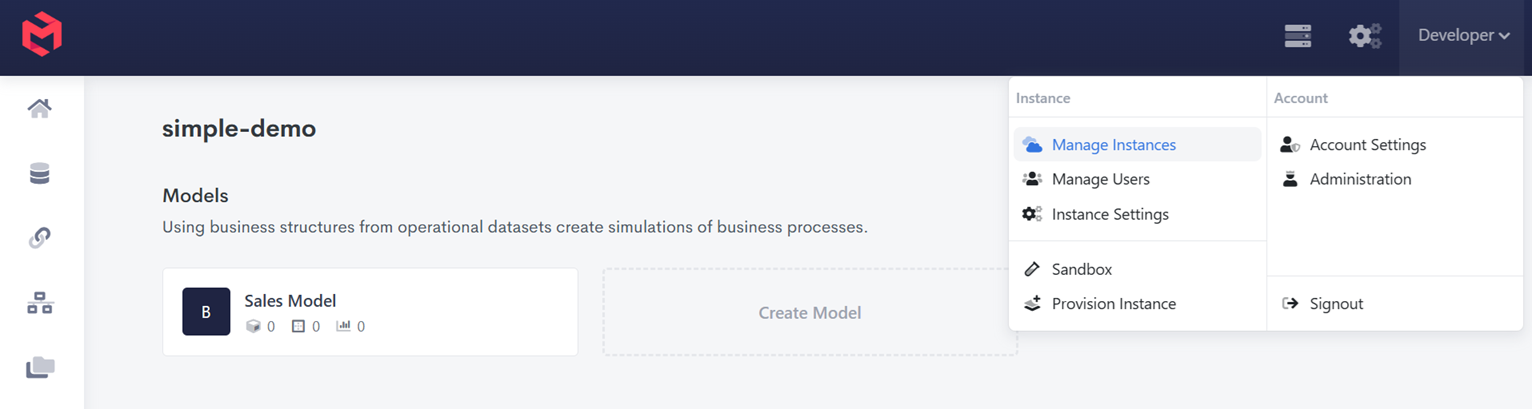
When logged into MODLR, go to Instance Management by clicking your name in the top right of the web page, and then click Manage Instances in the menu.
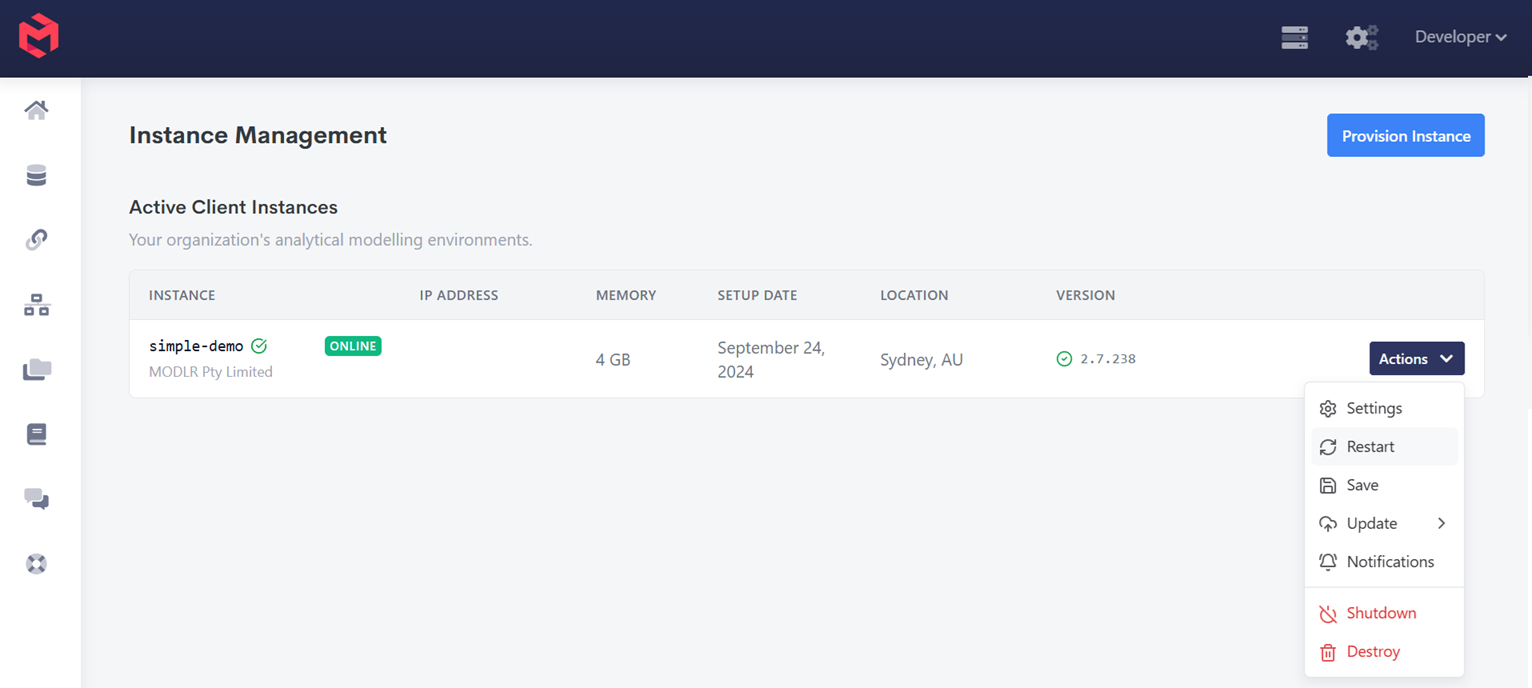
On the server you would like to restart, click Actions and then Restart.
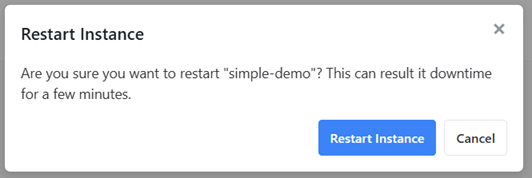
- Confirm Restart Instance
WARNING
Restarting is the point of no return for any dimension element removed via Remove Orphans (or dimension.audit with fix: true). The element leaves the dimension immediately when it's removed, but the data held against it stays in cube storage - and recoverable, by re-adding the element - right up until the next restart. Once the Instance restarts, that data is permanently dropped. See How to remove unused data from a cube for the full workflow.