
Creating an integration
MODLR allows you to integrate with external tools such as Xero, SalesForce etc.
TIP
This guide covers Standard Integrations - platforms that authenticate through MODLR's built-in OAuth 2.0 flow. For platforms that require custom authentication, such as Business Central or NetSuite, see Advanced Integrations.
Integrations Page
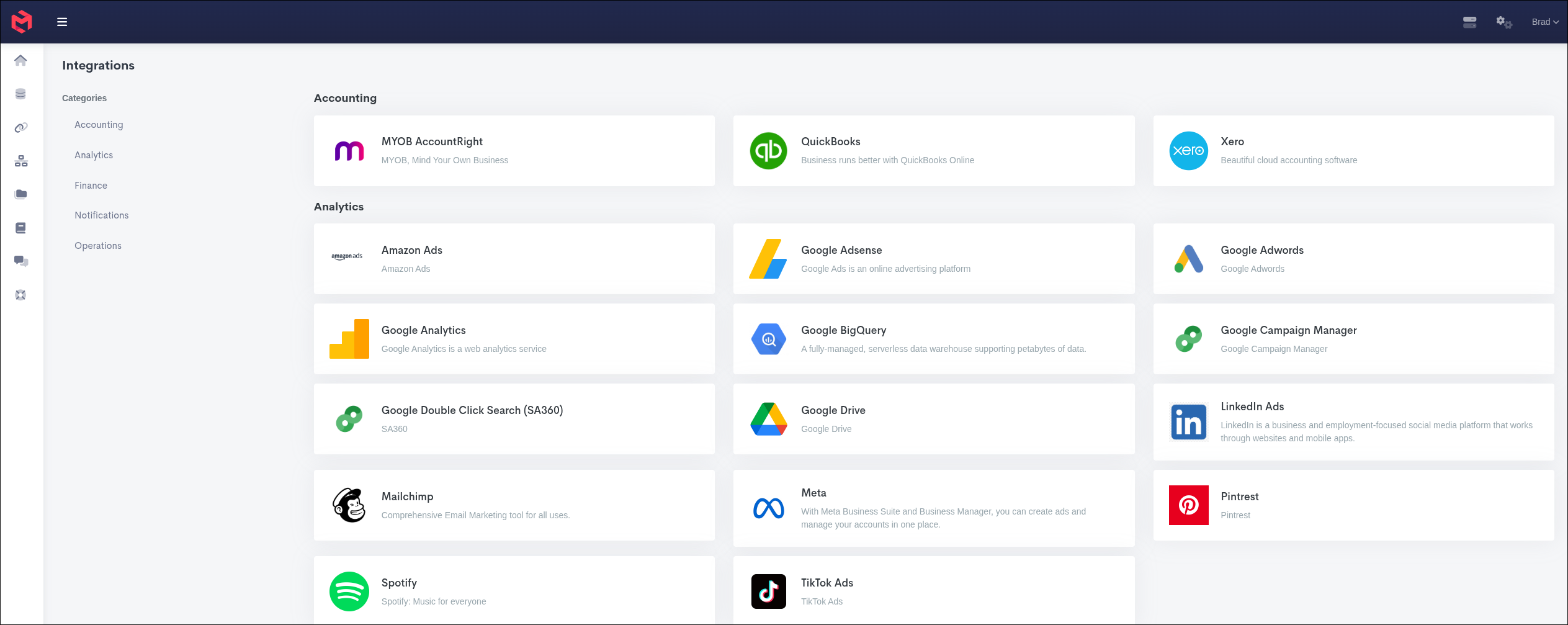
In the left sidebar, click the "Integrations" button. This will redirect you to a page listing all the current available integrations. Click on the specific platform you want to integrate with.
TIP
You will need to find the specific API documentation for the integration you're after.
Creating Integrations
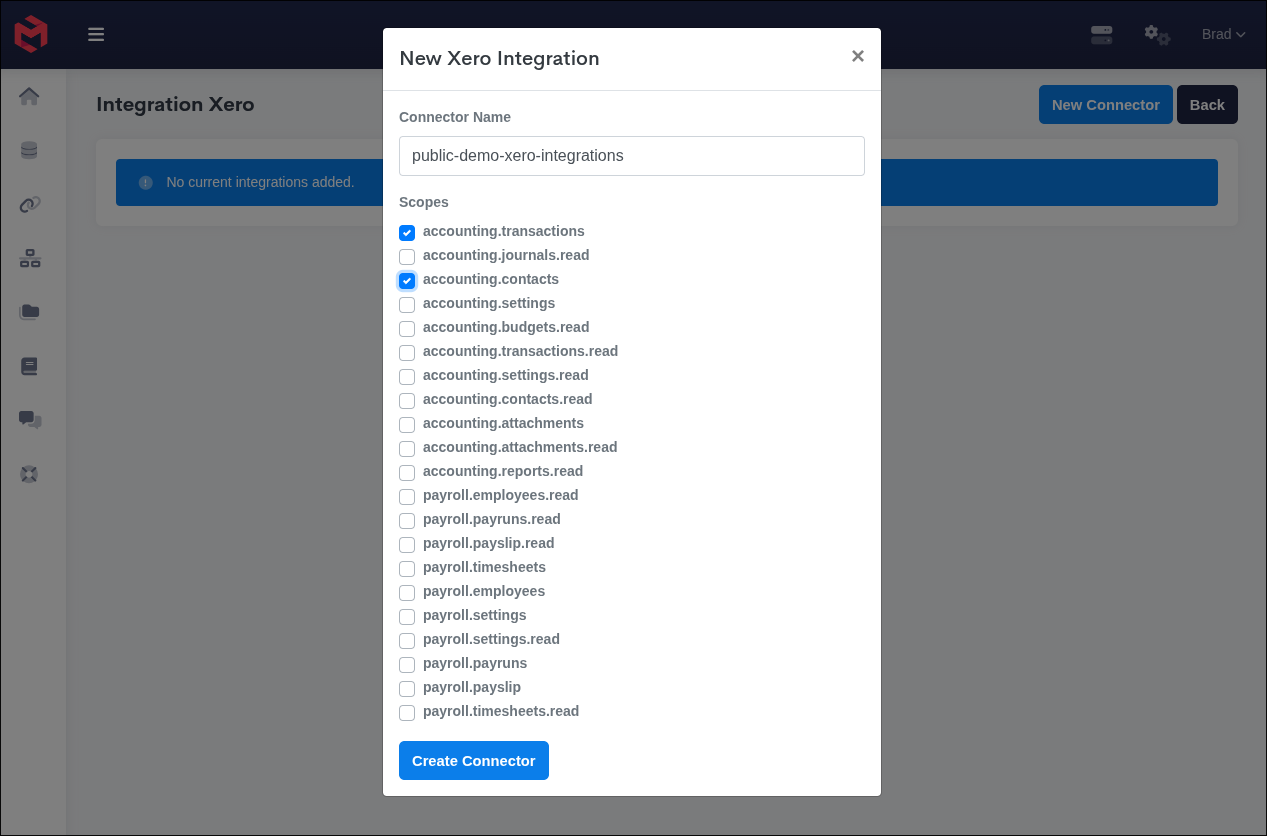
Once you've picked your specific platform, you can hit the "New Connector" button top right, this will prompt for some details before we can continue setting up the integration. Once you have filled out the details, you will be redirected to the platforms website to authenticate against that platform which allows MODLR access to make requests to that platform on your behalf.
Integrating with a Process
Once you've got a valid integration setup, you can now start writing a process to pull in the data from that platform using the script.getOAuth method, along with the web.get function.