
Model Variables
A Variable is a key-value pair, scoped to the model, that can be read from almost anywhere the model is used: Cards, Workviews (see Using Model Variables for the Workview-specific dimension-prefixed pattern), Cube Formulas, Processes, and the Excel Add-in.
Managing variables
Open Variables (under Modelling in the model's navigation panel) to see every variable defined in the model, its key and current value:
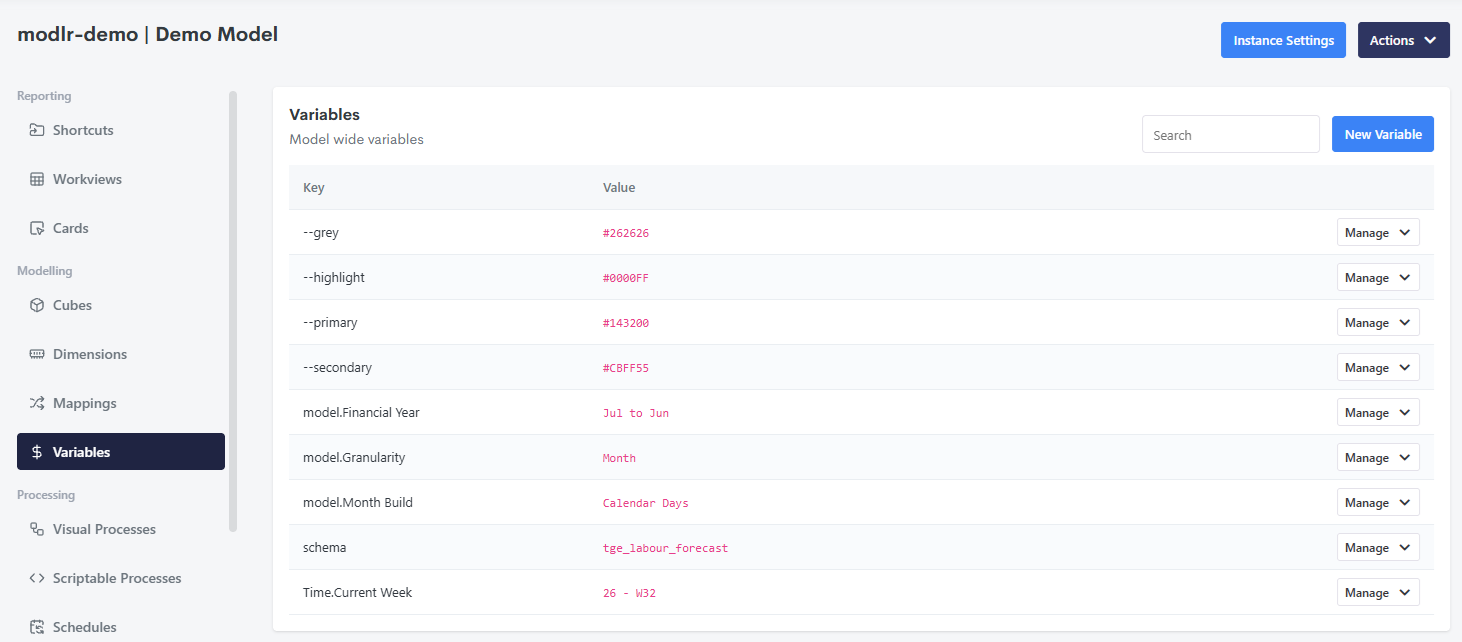
Click New Variable to add one, or Manage on an existing row to edit or delete it.
Creating and editing a variable elsewhere
Beyond the Variables panel itself, a variable can also be:
- Created or updated from a Process, via
script.variableSet. - Read from a Cube Formula, via
VARIABLE. - Read from the Excel Add-in, via
VariableGet- and edited directly from Excel too.
Reserved variables
Some variables are reserved by MODLR itself rather than created by a modeller - user-id, for example. See Reserved Variables for the full list and where each one resolves.