
Adding a Datasource
Adding new Datasources via Gateway
To add a new datasource to MODLR, navigate to the Manage Datasources page.
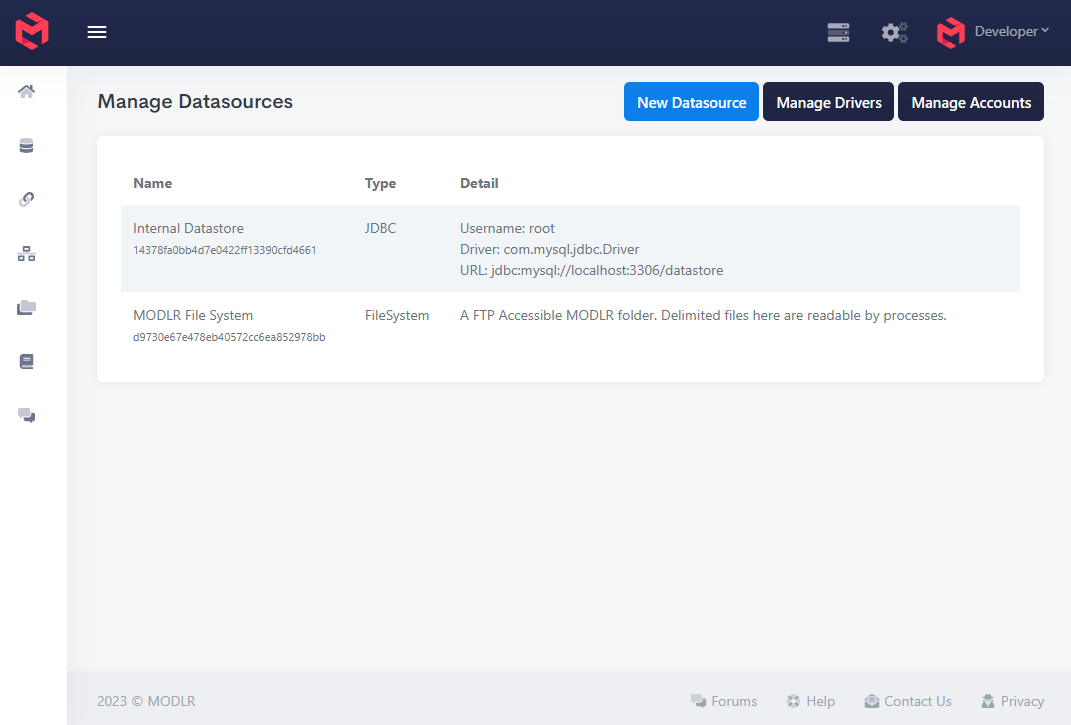
- Click
New Datasource - Fill out the Datasource connection information.
- Test the connection details. If the Datasource cannot be reached, it will not be possible to save the Datasource.
- Save the Datasource