Reset Indents
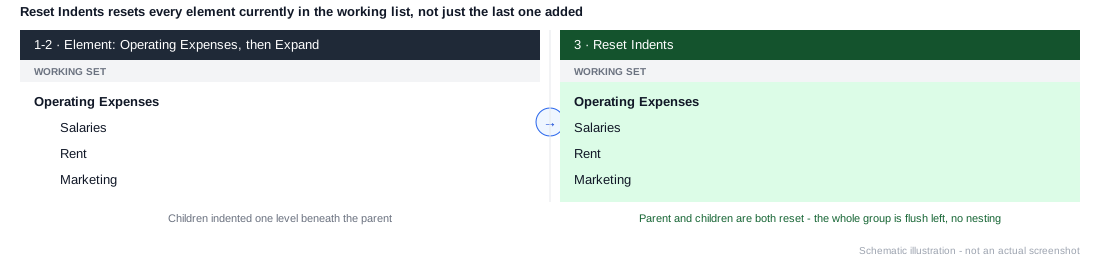
Resets the indentation of every element currently in the working list back to the leftmost position - not just whichever element was added most recently. Run it after Expand or Expand All if you want the whole expanded group flush left with no nesting at all.
Example
1. Element: Operating Expenses
2. Expand
3. Reset Indents
Expand adds Operating Expenses's children (Salaries, Rent, Marketing) indented one level beneath it. Reset Indents then flattens the whole working list - parent and children alike - back to flush left, since it resets everything currently present, not just whatever came immediately before it.
If you want the parent flush left but its children still indented one level beneath it, reset before expanding instead - see Common Patterns: Parent-and-children.
Reset Indents only affects the set it's added to. If multiple sets are stacked on the same axis, each one that needs flattening needs its own Reset Indents instruction - it won't reach across to the others.