Apply Number Formatting Using Formula
Workview-only. Sets the number format for each element in the working list using a formula, rather than a single fixed Data Formatting instruction applied to everything. Useful when the correct format differs by element or by context.
| Argument | Type | Description |
|---|---|---|
| Formula | Formula | The formula to evaluate for each element in the working set |
Example
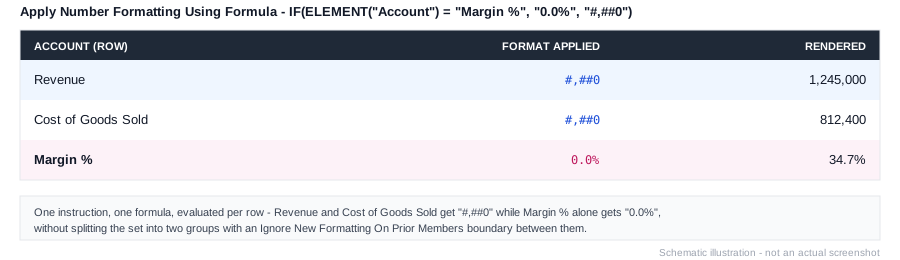
IF(ELEMENT("Account") = "Margin %", "0.0%", "#,##0")Applies a percentage format to the Margin % row and a thousand-separated integer format to everything else, without needing to split the set into separate groups with an Ignore New Formatting On Prior Members boundary between them.
"0.0%" and "#,##0" are patterns from MODLR's general format syntax, not instruction-specific - see MODLR Number Formats for the full reference, including patterns with no dedicated Format instruction (#,##0k/m/b, for example).