Group By Value Using The Next Instruction (Ascending)
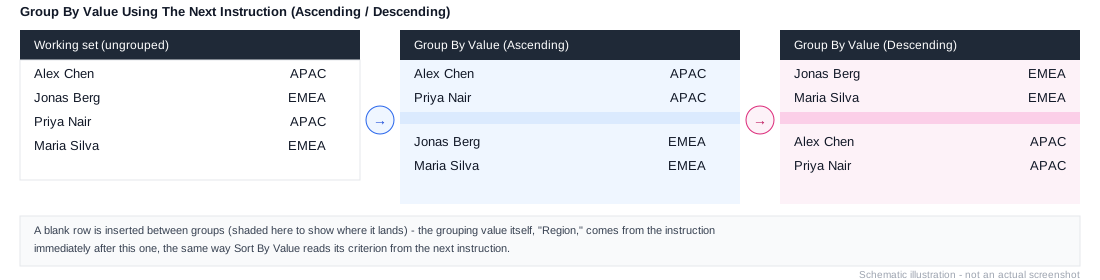
Workview-only. Column axis only. Groups the working list (on the row axis) by the value produced by the next instruction, inserting a blank row between each group, ordered ascending by that value. Useful when you want to visually separate elements that share a categorisation but don't have a roll-up hierarchy expressing that grouping.
Like the Sort By Value instructions, it reads its grouping criterion from the instruction immediately after it, rather than carrying one itself.
Example
1. Element: All Sales Reps
2. Expand All
3. Remove Consolidations
4. Group By Value Using The Next Instruction (Ascending)
5. Insert Using Formula: LINK("Sales Reps", ["Region"])
Groups every sales rep by their Region, with a blank row separating each region rather than requiring a Region level in the hierarchy itself. See Group By Value Using The Next Instruction (Descending) for the reverse order.