Expand
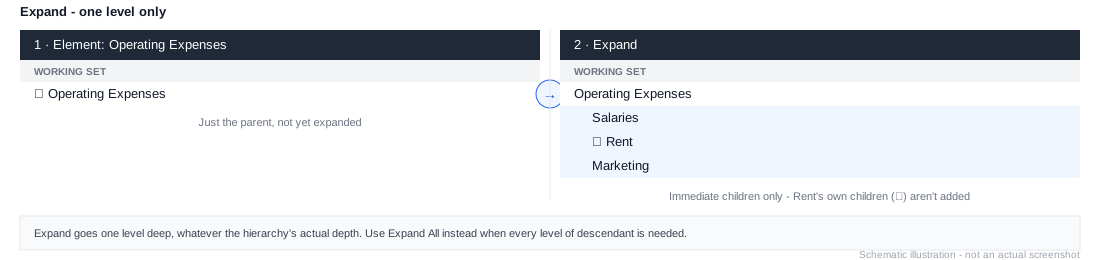
Adds the immediate children of every element currently in the working list. Each child is inserted directly beneath its parent, indented one level. Unlike Expand All, it only goes one level deep - grandchildren aren't included.
Example
1. Element: Operating Expenses
2. Expand
If Operating Expenses has children like Salaries, Rent, and Marketing, this produces the parent followed by those three children, one level of indentation deep - the standard parent-and-children layout. See Common Patterns for the full pattern.