Hide Set Headers
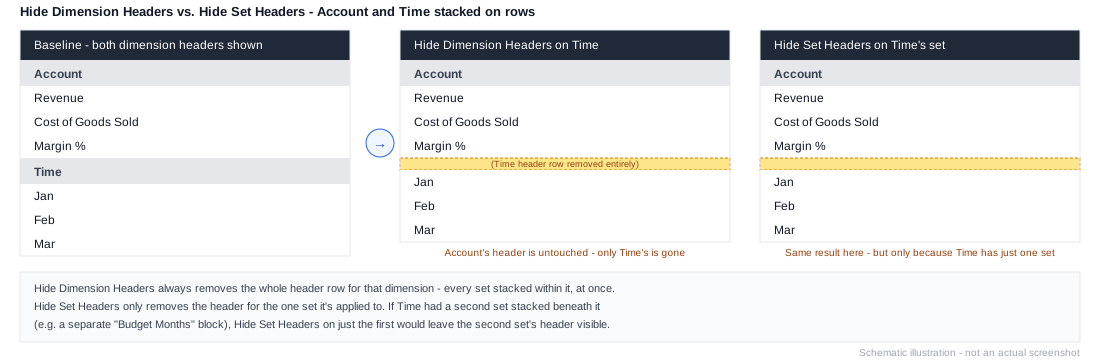
Workview-only. Hides the headers for this specific set. Narrower than Hide Dimension Headers, which hides headers for the whole dimension on the axis - including any other sets stacked alongside this one.
Example
1. Element: 2024 - Jan, 2024 - Feb, 2024 - Mar (Column Set 1)
2. Hide Set Headers
3. Element: Variance (Column Set 2, stacked)
Useful when a Workview axis has more than one set stacked on it and one set's headers would be redundant next to another - hide just that set's headers without affecting the rest of the axis.