Add Blank Space
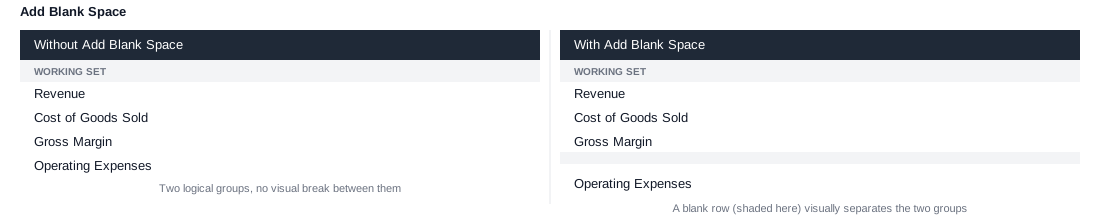
Adds a blank entry to the working list. Unlike every other insertion instruction, it doesn't represent an element from the dimension - it's a purely visual gap in the rendered rows or columns.
Example
1. Element: Revenue, Cost of Goods Sold, Gross Margin
2. Add Blank Space
3. Element: Operating Expenses
This produces a visible gap between the two groups of measures without splitting them into separate stacked sets - useful for pulling a report apart into visually distinct sections while keeping everything on a single axis.