Insert Using Formula
Adds an element to the working list using a formula. The formula returns the name of the element to insert - evaluated dynamically, rather than a fixed element picked from the hierarchy explorer.
| Argument | Type | Description |
|---|---|---|
| Formula | Formula | The formula to evaluate for each element in the working set |
Example
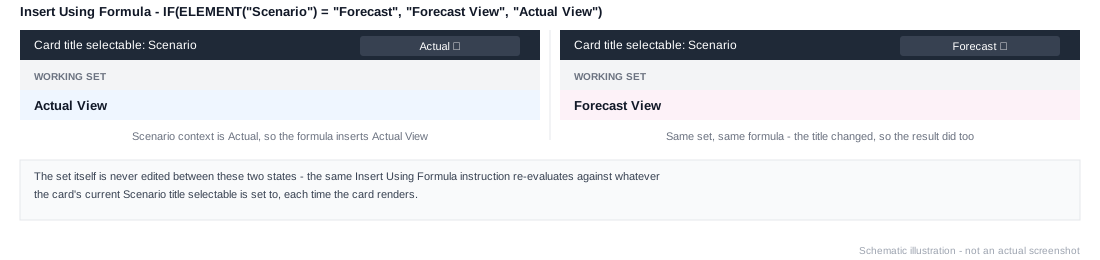
IF(ELEMENT("Scenario") = "Forecast", "Forecast View", "Actual View")A simple ELEMENT("Time") formula is functionally equivalent to Insert Element From Title - the formula form is worth reaching for specifically when you need conditional logic around the insertion, like inferring a selection from more than one dimension, as above. See Common Patterns for a worked context-driven example.
This only decides which element gets inserted - it doesn't affect how that element is displayed. To style an element conditionally once it's in the working list, see Apply Style Using Formula.