
Reporting
Provides multiple commands that enables the access to data within the connected instance.
Explore Reports
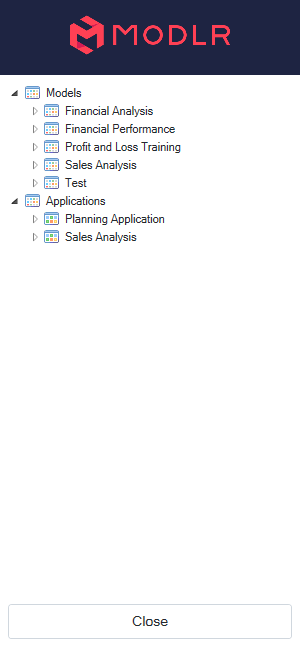
Provides an overview of the connected instance.
The various models workviews, cubes, dimensions, and variables will be displayed. Provides the ability to access workviews included within an application.
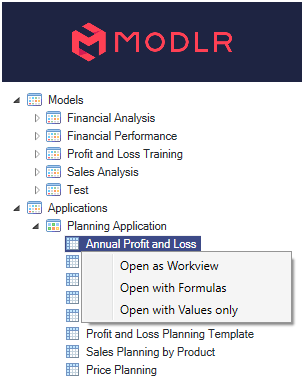
Right clicking on a workview will give the following options.
- Open as Workview: This will open the the workview as a Live Workview in excel.
- Open with Formulas only: This will open the workview with CubeGet functions to retrieve the values from MODLR. This is the default action when double clicking.
- Open with Values only: This will open the workview with values of the workview, and no MODLR functions.
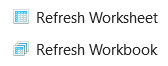
Refresh Worksheet and Workbook
Refresh the selected Both items are functionally the same.
Refresh Worksheet (Ctrl+Shift+R) refreshes MODLR Excel Add-in functions in the current worksheet.
Refresh Workbook (Ctrl+Shift+W) refreshes MODLR Excel Add-in functions in the current workbook.
See Keyboard Shortcuts for the other shortcuts.
Confirm Refresh
If the refresh includes a write from a CubeSend or AliasSet, a Confirm Refresh prompt is shown before anything is written. It lists the worksheets that contain these functions. When no cells write, the prompt is not shown.
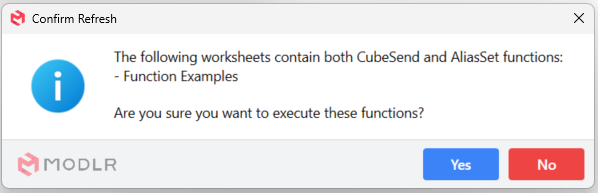
See Practice safe sends for a way to switch writes on and off.
Refreshing from VBA
Both refresh commands can also be run from a VBA macro. See Automating with VBA.
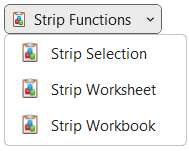
Strip Functions
Strips Excel Add-in functions and leave values in the place of previously functions driven cell.
Can be executed for the current:
- selection
- worksheet
- workbook
Explain Value
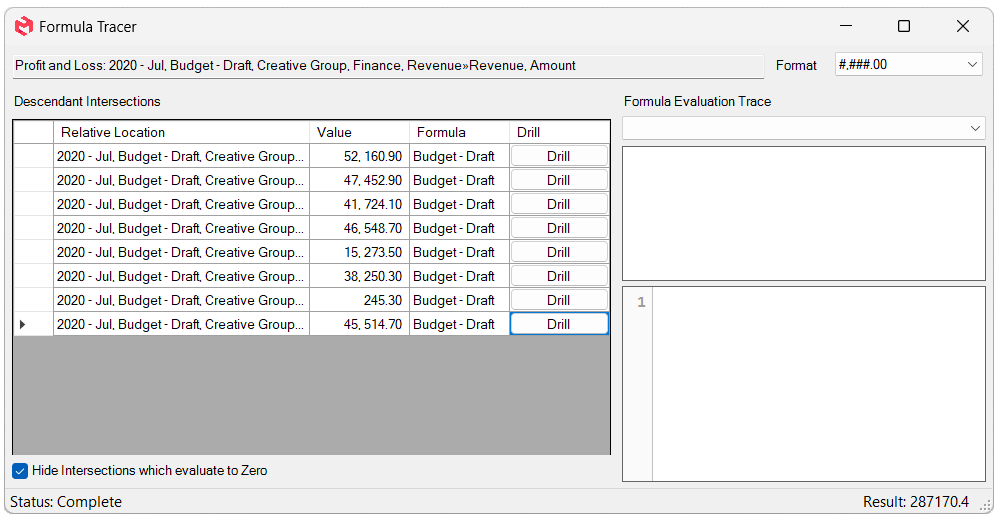
Provides an explaination of the selected cell containing a single CubeGet or CubeGetFirst function.
- Leaf Explain Value Example
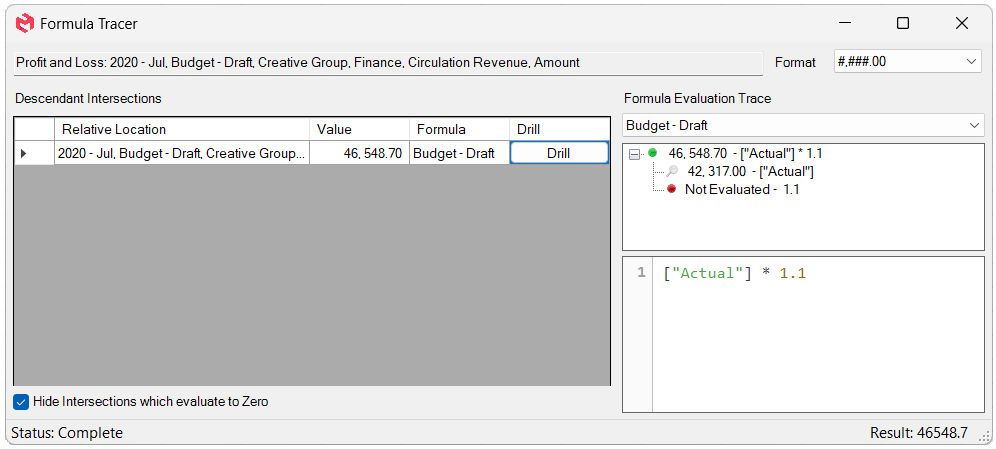
- Consolidation Explain Value Example
View History
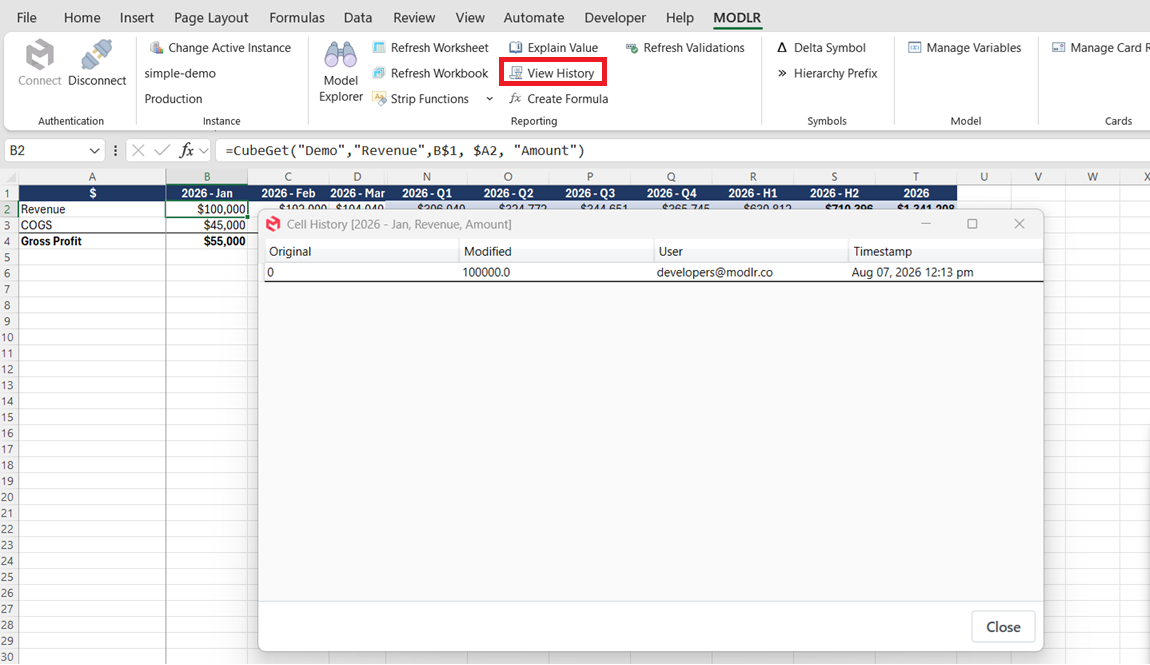
Shows the history of the selected cell containing a CubeGet function. Select the cell, then click View History on the ribbon. Each previous value of the intersection is listed with when it changed.
See Cube Logs for more about Cell History.